How It's Made
An AI Writes the Models. A Linter Checks Them. Ian Builds Them.
That's the whole method. The rest of this page is the detail, for anyone who wants to make builds of their own.
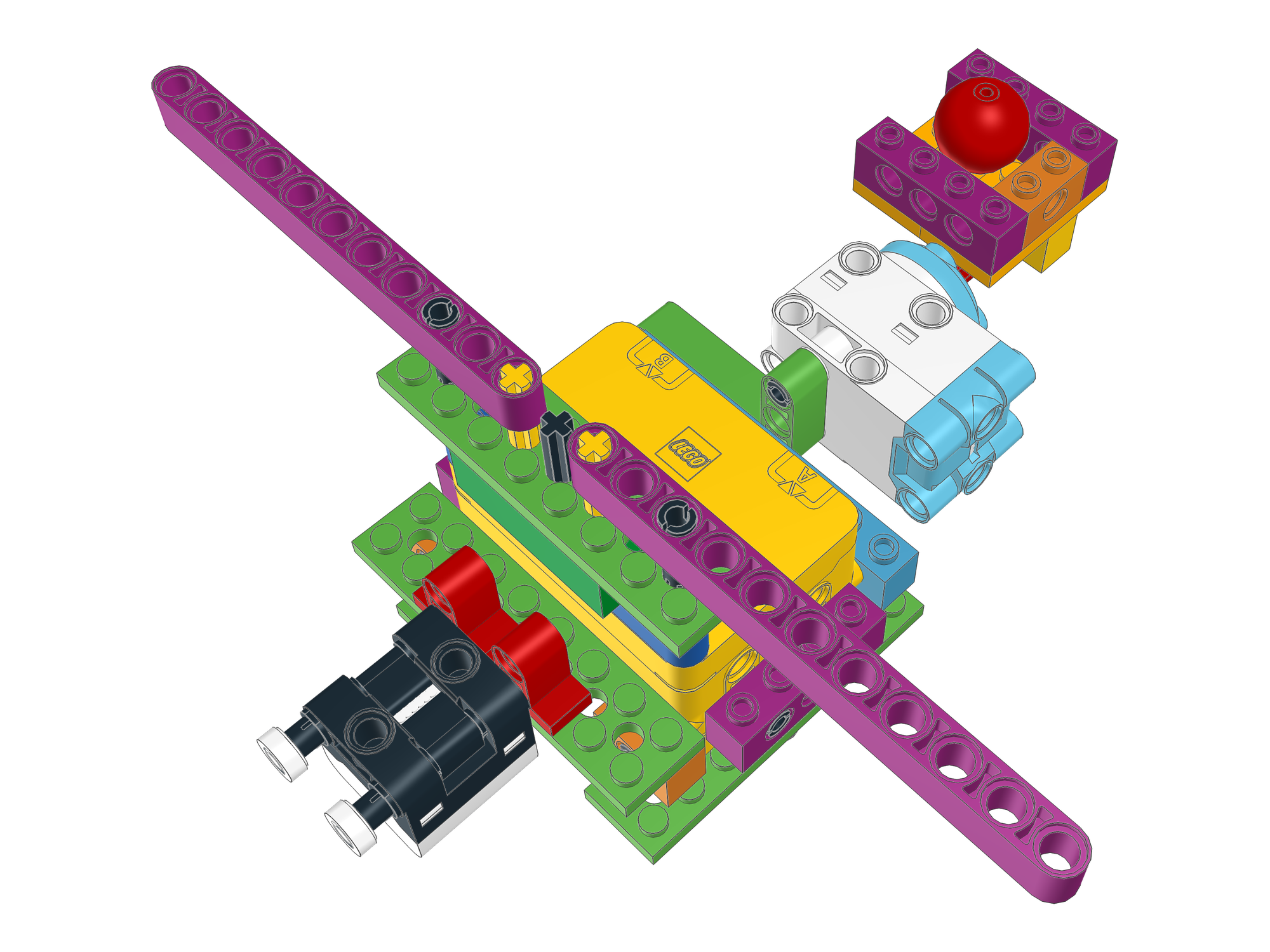
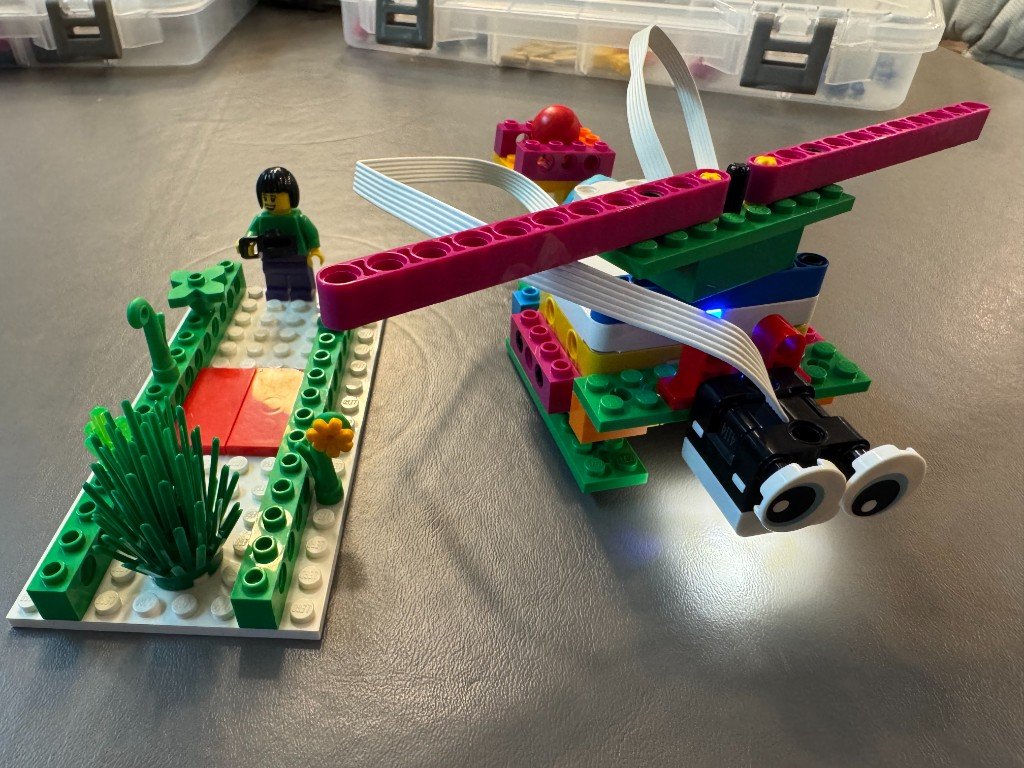
Every build starts as a text file. LDraw is a plain-text format for LEGO® models that the fan community has kept alive since the nineties: one part per line, each with a color and a position. Because it's text, it lives in git, and I can see exactly which brick moved between versions, the same way I'd review code at work. LeoCAD, a free and open-source LDraw editor, draws every step picture on this site from those files. The photos at the top of each build are the real thing, on our kitchen table.
The Part I Didn't Expect to Need
LeoCAD will happily let you set a plate down a millimeter above a brick, and the picture looks perfect. I learned that reading the Seed Drone steps back and finding one that told a six-year-old to set down a plate that nothing would hold until two steps later. The picture was right. The build was wrong.
So I had AI write ldrcheck, a Python script that reads the model and asks the boring questions. Does this stud actually sit in that tube? Is this axle in a hole that grips it, or one it just passes through? At the end of every step, is every part attached to something? Is every part really in the box, in that color? If it can't prove a part is held, the build doesn't ship.
It keeps growing, too. Every new build turns up a mistake it didn't catch, and each one becomes a new rule, with a small broken model the rule has to catch, so the next build gets checked for it.
It can't see everything. It doesn't know whether a color sensor is mounted too high to read a tile, or whether a small hand can hold the thing. Those checks are done by hand, at the table.
One More Script
pages.py keeps the step numbers, the kid-facing words, and the pictures in agreement, then writes the click-through page and the printable PDF from the same source. The programs aren't generated. I build each one by hand in the SPIKE™ App on the iPad, and the picture on each build page is a screenshot of it.
About the AI
I use Cursor with Anthropic's Claude models. They write most of the LDraw and most of the Python, and an AI image tool draws the story pictures at the start of some builds. I decide what to build, argue about what a six-year-old can hold, and run the checks. I'd rather say that plainly than have you wonder.
Everything Is on GitHub
The repo is the source of truth. This site shows the builds we've finished and tested at the table. If you find a mistake, open an issue there or email me at cjcavage@gmail.com.
Small print: Credits and licenses are on the Legal page. LDraw is a trademark of the Estate of James Jessiman. LeoCAD, Cursor, and Anthropic have nothing to do with this site, and neither do the LEGO Group or Elenco.